
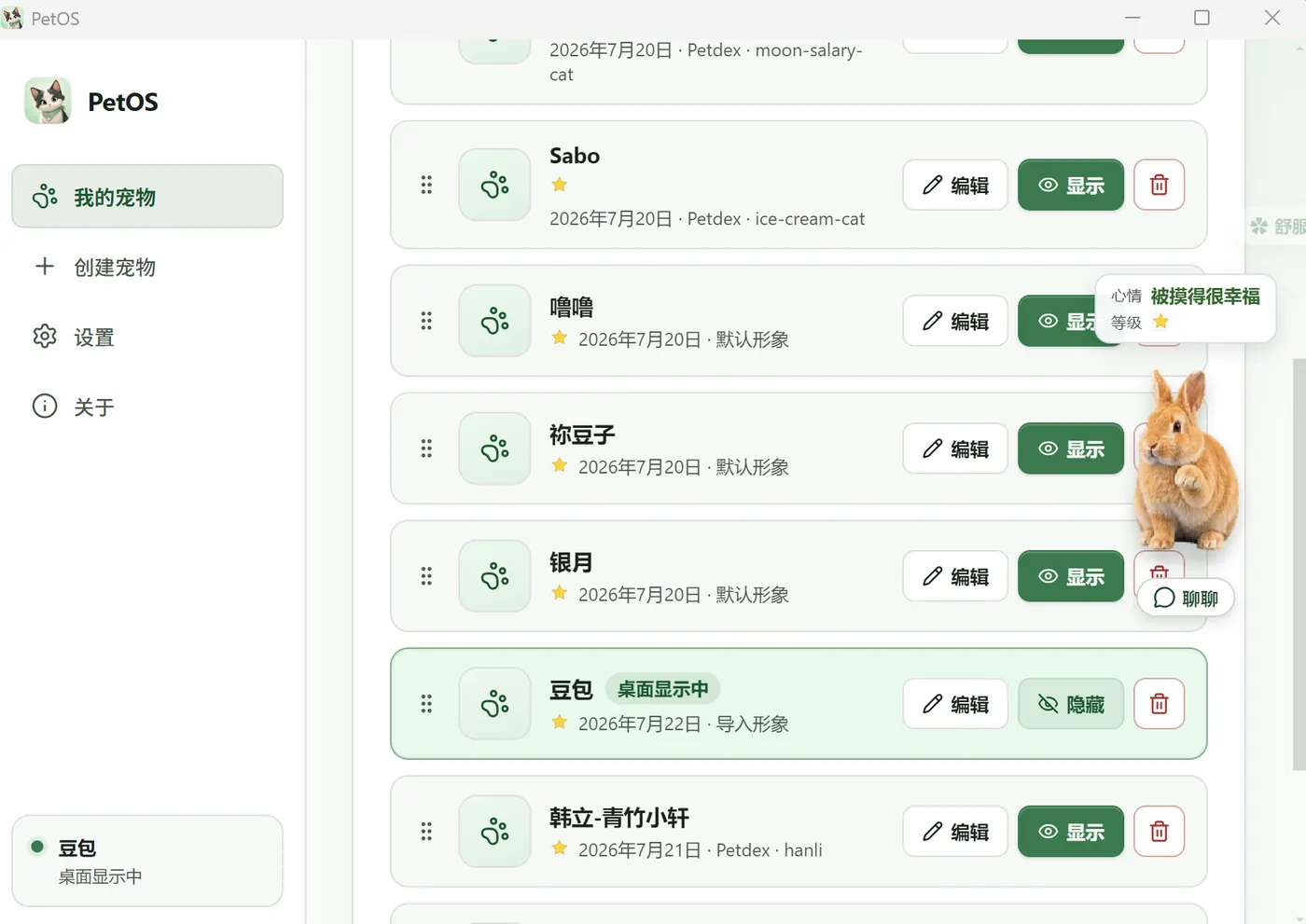
My pets
One pet or many. Show, hide, edit, and keep only the one you want on the desk.
- Show or hide on the desktop
- Memory and mood stay per pet
- Edit and organize anytime
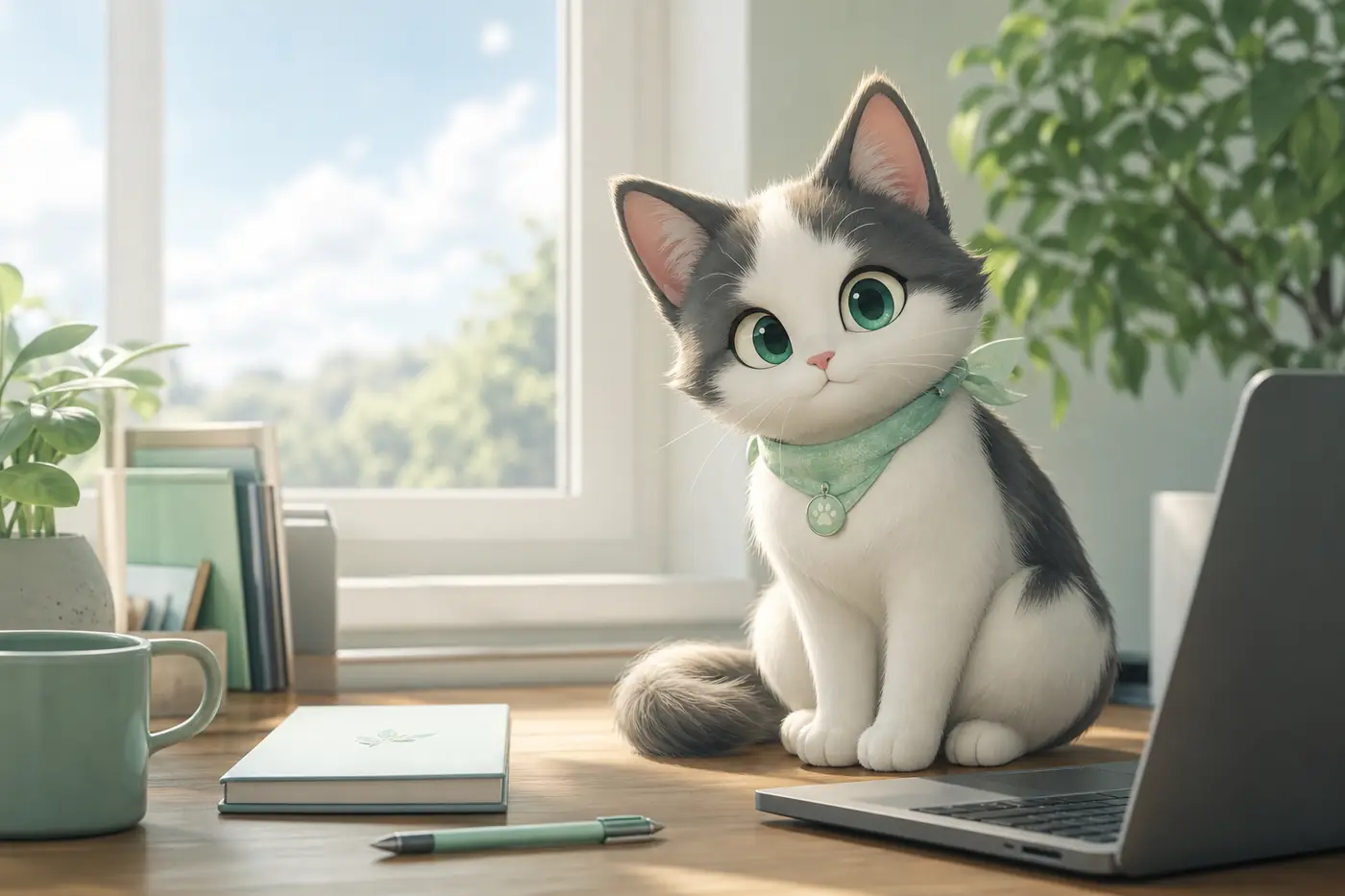
PetOS
It wanders and chats by itself, and keeps you company through pomodoros. Codex-pet compatible.
If you see “damaged and can’t be opened”, run this in Terminal:
xattr -cr /Applications/PetOS.app
Manage pets, create looks, plug in a model, tune companionship. What you see is what you get.
One pet or many. Show, hide, edit, and keep only the one you want on the desk.
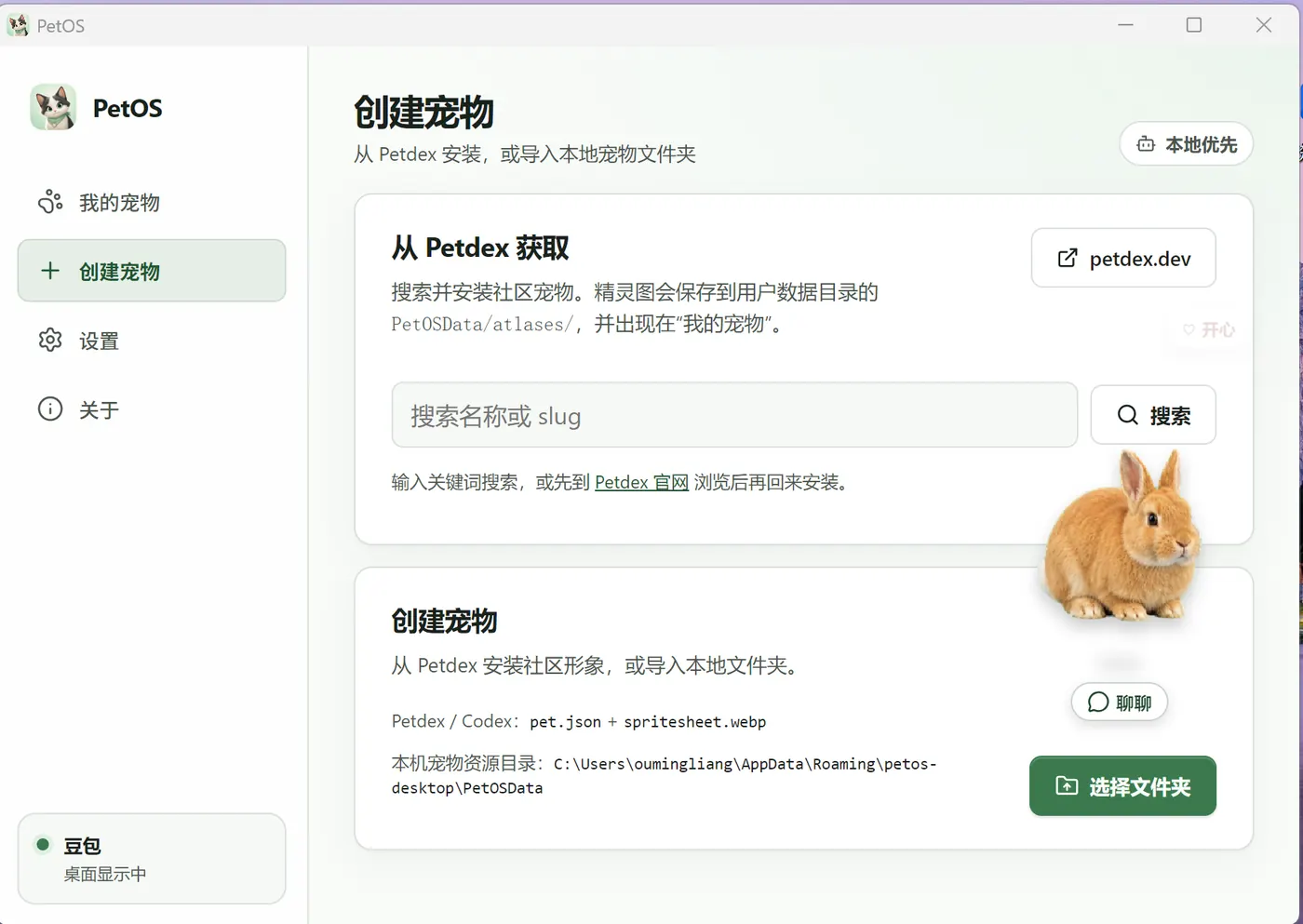
Install a community look from Petdex, or import a local folder. Codex-compatible pets work out of the box.
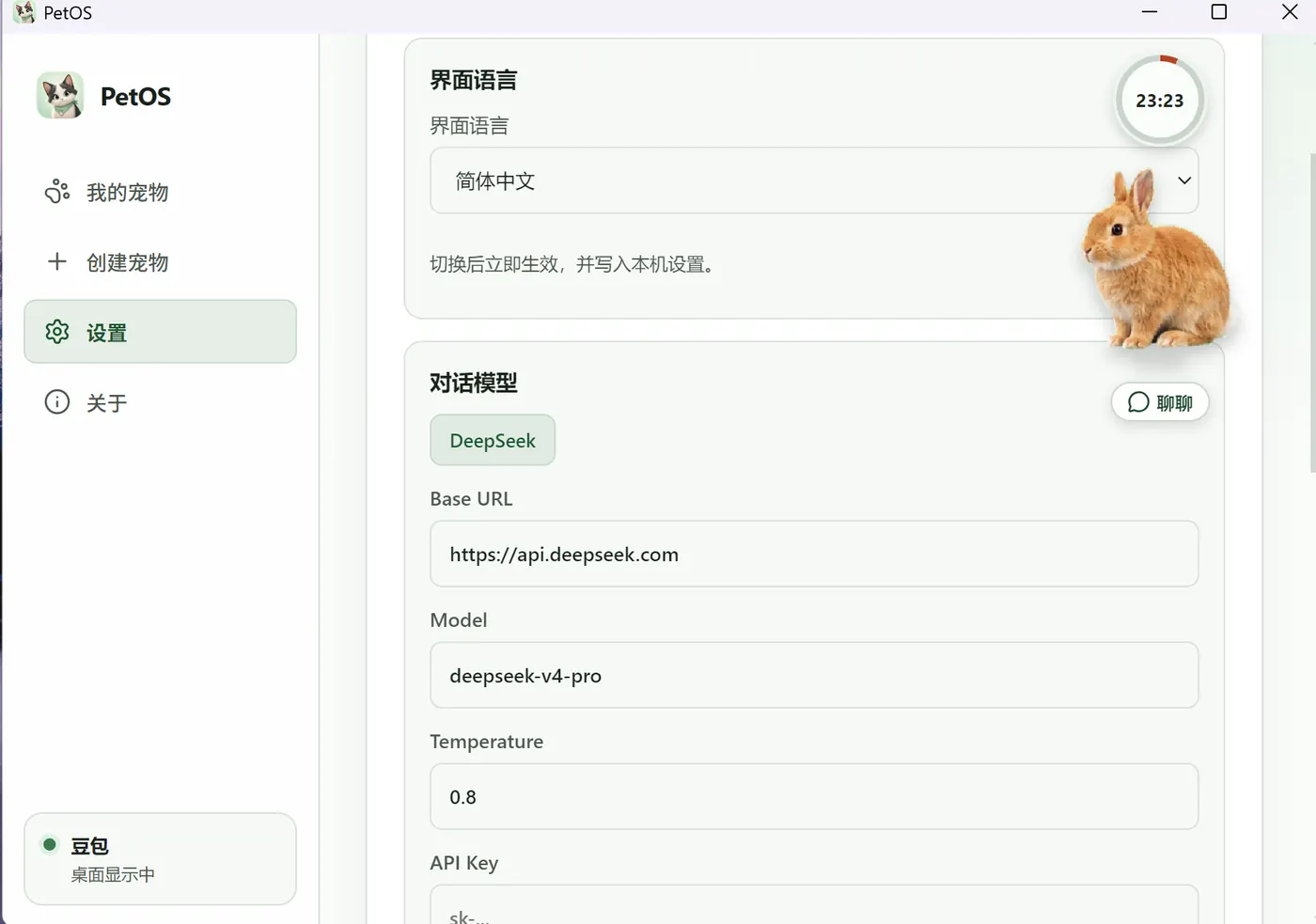
Plug in DeepSeek or any OpenAI-compatible API. Keys stay on your machine. PetOS does not host models.
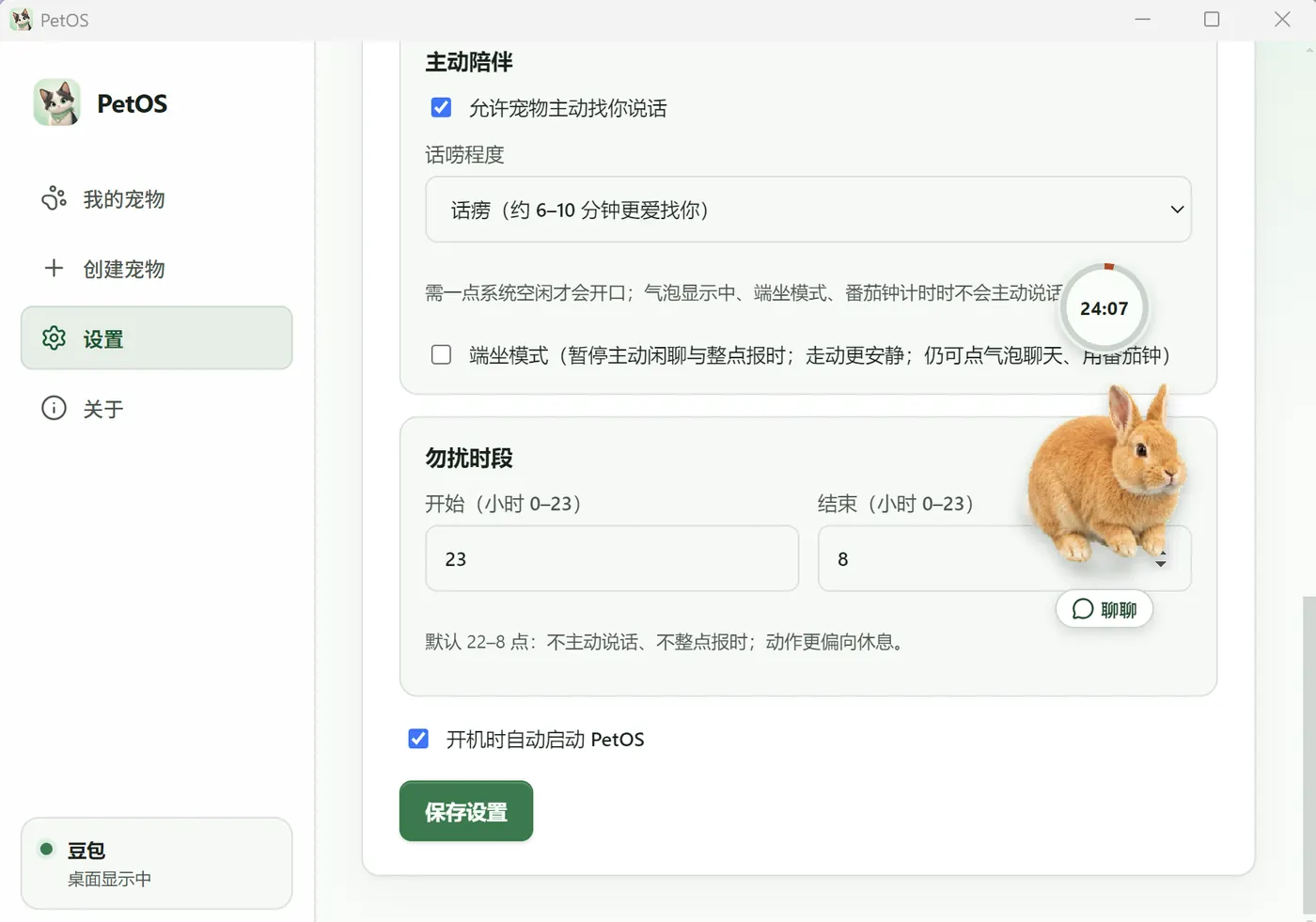
It can start the conversation. Tune talkativeness, quiet hours, and sit mode. During a pomodoro it stays quieter.
Compatible with Codex / Petdex pets. Keys and memory stay on your machine. More features in progress.
Start with Doubao, or import Codex-compatible pets from Petdex or a folder.
Add an OpenAI-compatible Base URL, key, and model name to start chatting.
More companionship features are in progress. Download today and grow with updates.
Windows, macOS, or Quark Drive for users in China.
Start with Doubao, or import a look you like.
Connect your API, pet it, talk to it, and let it grow.